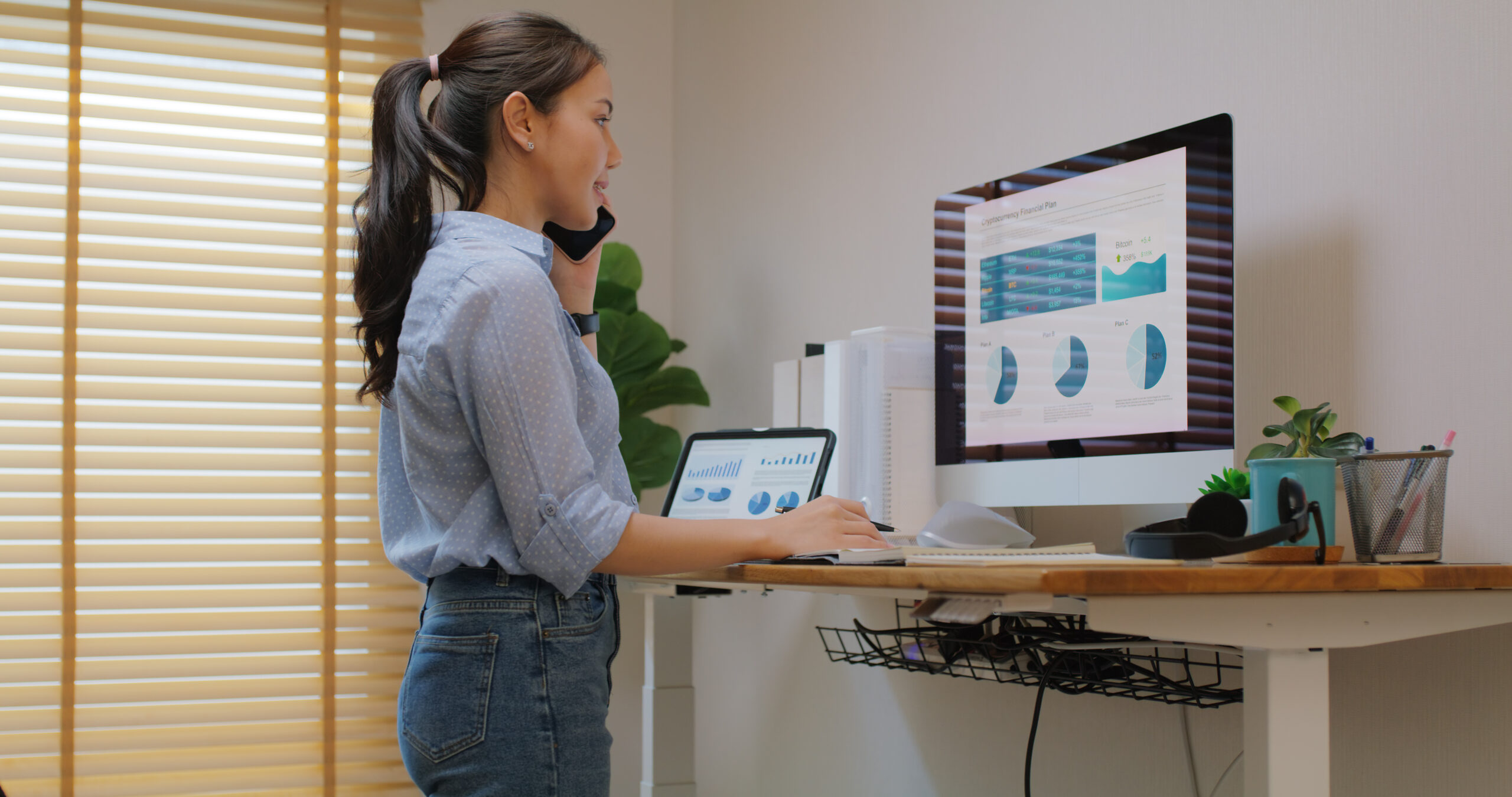
The Standing Desk Dilemma
The Real Issue Isn’t Just Sitting—It’s Stillness
You’ve probably heard it a hundred times: “Sitting is the new smoking.” But here’s the nuance that often gets lost: it’s not sitting itself that’s the culprit. It’s staying in the same position for hours without moving. Whether you’re seated or standing motionless at your desk, your spine, muscles, and nervous system suffer when movement stops.
Remote workers and office professionals spend an average of 7–10 hours a day in a seated position. That’s a lot of static load on your lumbar spine, neck, and shoulders. But simply swapping your chair for a standing desk isn’t a magic fix—and many people discover this the hard way.
Standing Desks Aren’t a Complete Solution
Standing desks can feel revolutionary when you first set them up. The promise is appealing: burn more calories, improve posture, reduce back pain. And there are real benefits. Standing does engage your core muscles more than sitting, and it can help break up sedentary patterns.
However, standing in one position all day creates its own problems. Your feet, ankles, and legs take on constant load. Your lower back can become fatigued. Without proper form, standing can actually reinforce poor postural habits—shoulders rounded forward, pelvis tilted—just in a different position.
The awkward truth: people who switch to standing desks without addressing movement and posture often end up with new complaints—foot pain, knee strain, or upper back tension—alongside the old ones.
Your spine thrives on variety. Different positions, different muscle engagement, different spinal curves. That’s what your body evolved to do.
The most effective desk setup isn’t about choosing sitting or standing—it’s about switching between them throughout the day. Movement, even gentle movement, keeps your spinal discs healthy, maintains muscle tone, and supports nervous system function.
Here’s what a dynamic workspace looks like:
- Alternate positions hourly. Sit for 50 minutes, stand for 10. Or stand for 30, sit for 30. Find a rhythm that works for your body.
- Use movement breaks intentionally. Every hour, stand up, walk around, do some gentle stretches. A 2-minute walk to get water or step outside makes a real difference.
- Check your posture in both positions. Whether sitting or standing, your ears should align with your shoulders, and your shoulders with your hips. Screen height matters—your eyes should meet the top third of your monitor.
- Invest in a good chair—and a good standing mat. Both matter. An ergonomic chair supports your lumbar curve when you sit; an anti-fatigue mat reduces foot and leg strain when you stand.
- Add stretching and mobility work. A few minutes of spinal mobility, shoulder rolls, and hip flexor stretches daily counteracts desk postures and keeps your nervous system calm.
Even with perfect ergonomics and frequent movement breaks, desk work can create spinal misalignments and nerve tension. Your body’s daily habits—where you reach, how you hold stress, which side you favor—compound over time.
Dr. Lind can help restore spinal alignment and mobility, counteracting the cumulative effect of desk posture. Regular care also trains your nervous system to recognize and maintain better posture, making it easier to stay aware of your position throughout the workday.
For remote workers in the Milpitas area who spend hours at their desks, chiropractic care paired with ergonomic awareness can prevent pain before it starts and keep you feeling sharp and energized in your work.
If you’re considering a standing desk upgrade, go for it—but frame it as part of a bigger strategy that includes movement, postural awareness, and regular spinal care. Your workspace should work with your body, not against it.
Whether you’re already struggling with desk-related pain or simply want to build better habits before problems develop, we’re here to help.
Ready to talk? Call (408) 263-8025 or visit our contact page.